Connect Any Model Provider
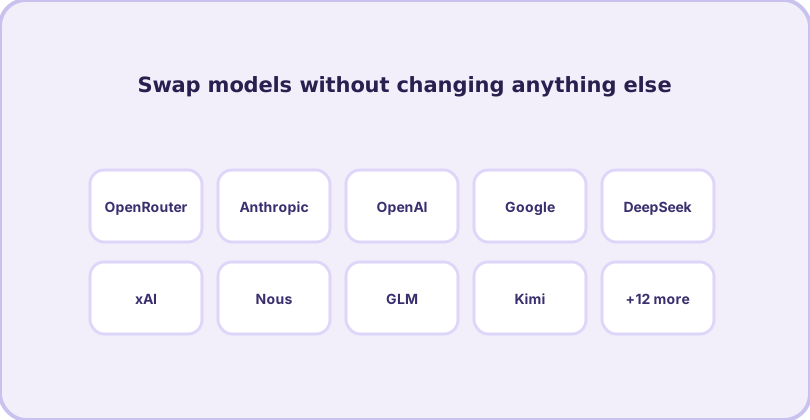
Hermes Agent works with more than twenty LLM providers. The agent, its skills, its memory and its workflows stay exactly the same — only the model changes. That single design choice protects you from lock-in: a price change, an outage or a better model elsewhere is a one-command switch.
The providers at a glance
| Provider | Auth type | How to connect |
|---|---|---|
| OpenRouter | API credential | Set OPENROUTER_API_KEY — one key, hundreds of models |
| Anthropic | API credential | ANTHROPIC_API_KEY, or pick a model interactively |
| OpenAI Codex | OAuth | hermes login --provider openai-codex |
| Nous Portal | OAuth | hermes login --provider nous |
| Google Gemini | API credential | GOOGLE_API_KEY or GEMINI_API_KEY |
| DeepSeek | API credential | DEEPSEEK_API_KEY |
| xAI / Grok | API credential | XAI_API_KEY |
| GitHub Copilot | Token | COPILOT_GITHUB_TOKEN (needs the Copilot-specific flow — a gh auth token will not work) |
| Z.AI / GLM, Kimi, MiniMax, DashScope, Xiaomi MiMo and more | API credential | Each provider has its own env var; see hermes model |
| Qwen | OAuth | hermes login --provider qwen-oauth |
| Local models | endpoint | Custom base_url + api_key in config.yaml |
Switching models: the interactive way
hermes model      # interactive picker — browse and select
hermes model      # inside a session: /model does the same
The picker writes your choice to ~/.hermes/config.yaml under model.default. Change it as often as you like — every later session uses the new model, and nothing else moves.
Credential pools: never dead-end mid-task
hermes auth add               # register another key for a provider
hermes auth list openrouter   # see the pool
hermes auth reset openrouter  # clear exhaustion flags
When one key runs dry, Hermes moves to the next in the pool automatically. For heavy daily use this is the difference between a workflow that stops and one that does not.
Which provider should you start with?
If you already pay for a coding subscription (Nous Portal, OpenAI Codex), start there — the OAuth logins reuse it. If you want maximum flexibility with one bill, OpenRouter is the common choice: a single key reaches frontier and budget models alike, which pairs well with Hermes's habit of letting you pick a cheaper model for chores and a stronger one for hard problems. Whatever you choose, hermes doctor will confirm the connection before your first task.
Rotating more than one provider
Mixed setups work exactly like single ones. Keep a frontier model as your default for hard problems, point chores at a budget model, and register a spare credential for whichever provider you lean on hardest — the pool absorbs the rate limit you will eventually hit. Nothing about that mix lives anywhere but your own config, which is the whole point: your agent stack should not change when a vendor's pricing page does.
Frequently asked questions
Do I need a paid subscription to use Hermes?
No. Hermes is free and open source; model access is your choice — a pay-as-you-go API credential, an existing subscription login (Nous Portal, OpenAI Codex, Qwen OAuth), or a free provider tier. Costs come from the provider, not Hermes.
Can I use local models?
Yes — local model servers are supported alongside the cloud providers, which is useful for private data or zero-cost runs.
What is a credential pool?
You can register several API credentials for the same provider (hermes auth add). Hermes rotates across them automatically when one hits its limit — no mid-task dead ends.